ChatOBD2
AI-powered vehicle diagnostics
An OBD-II diagnostics app that reads your car's fault codes through an ELM327 adapter, shows live data and full reports, and lets you ask an AI-powered expert.
 App
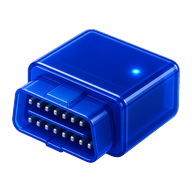 ELM327
 OBD2
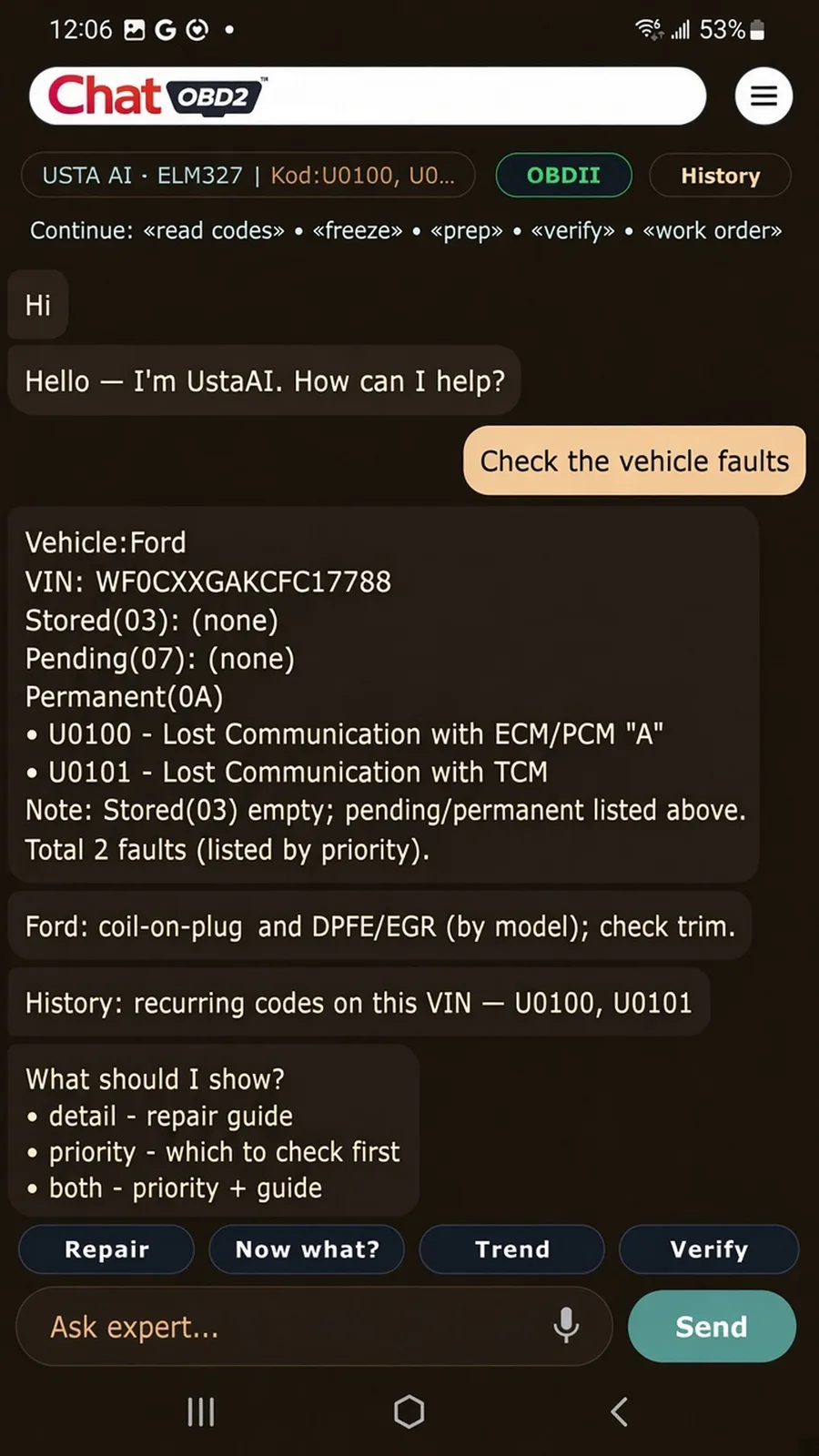
ChatOBD2 takes diagnostics beyond code reading. It connects to any ELM327-class adapter — original or clone — over BLE, classic Bluetooth or Wi‑Fi, and reads stored, pending and permanent fault codes, live data and the vehicle's VIN, plus brand OEM modules on supported cars. You can then ask about your car in your own language and generate a shareable report with repair guidance and part candidates.
Real screens from the app.
Swipe to browse
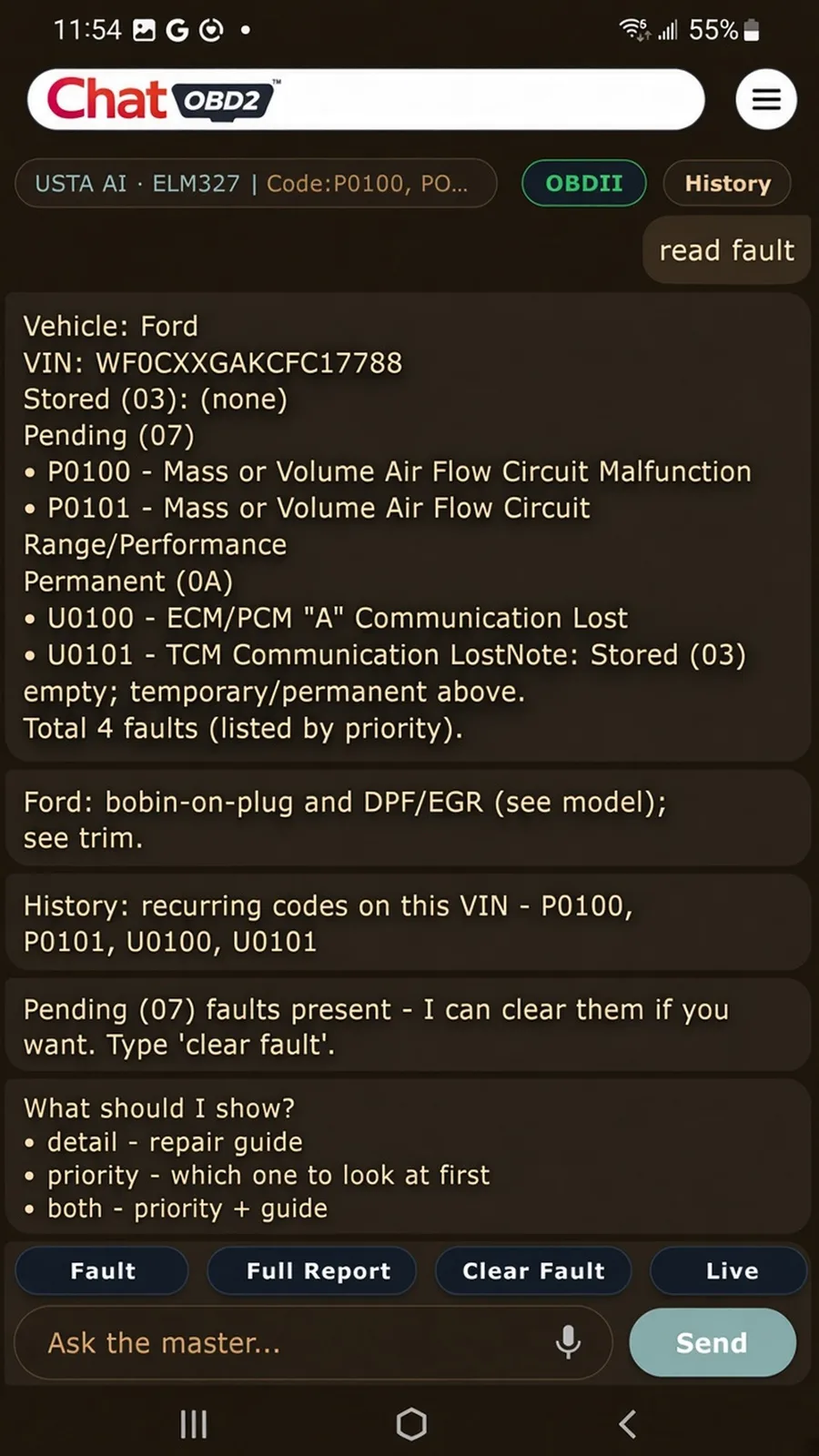
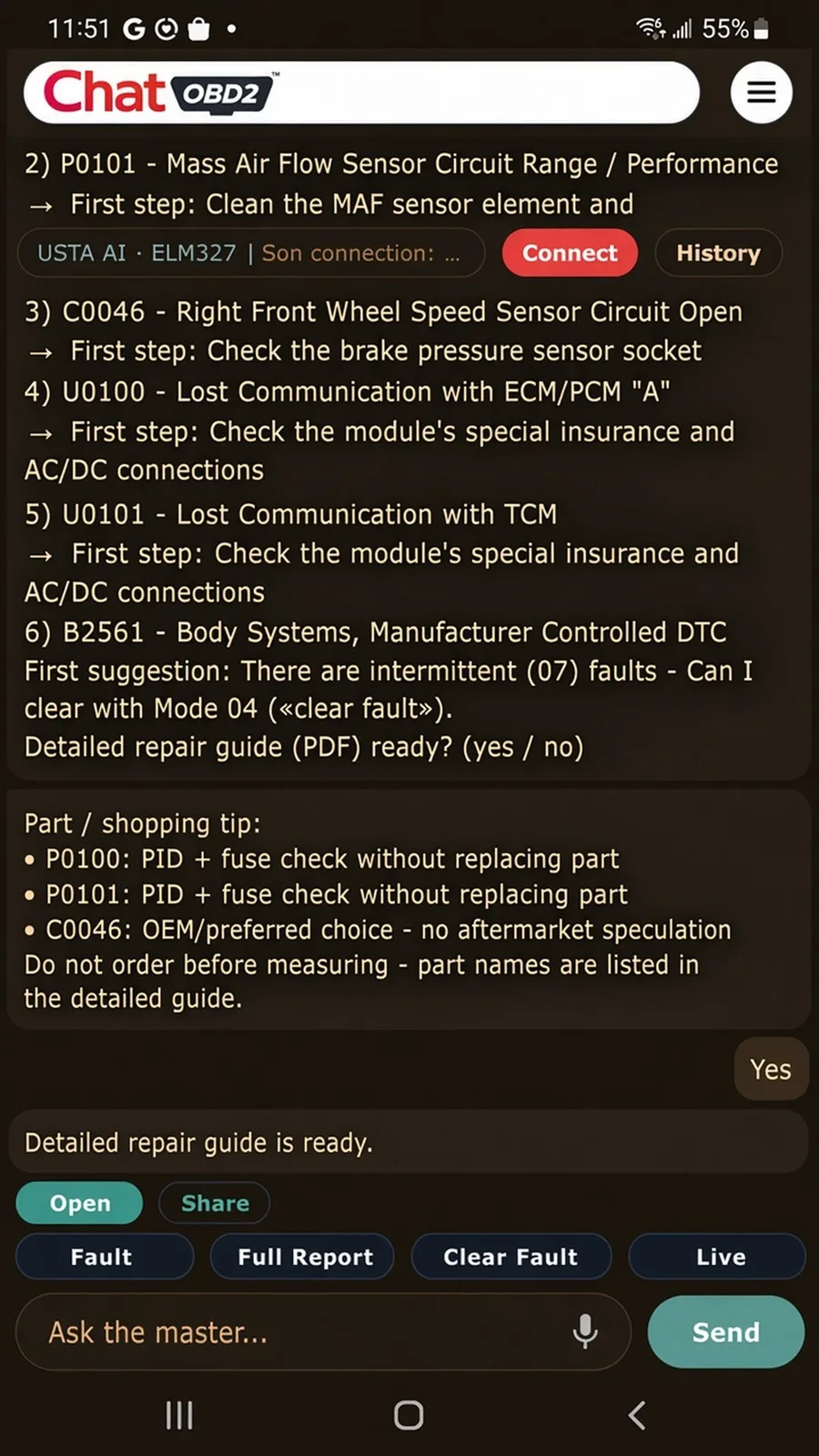
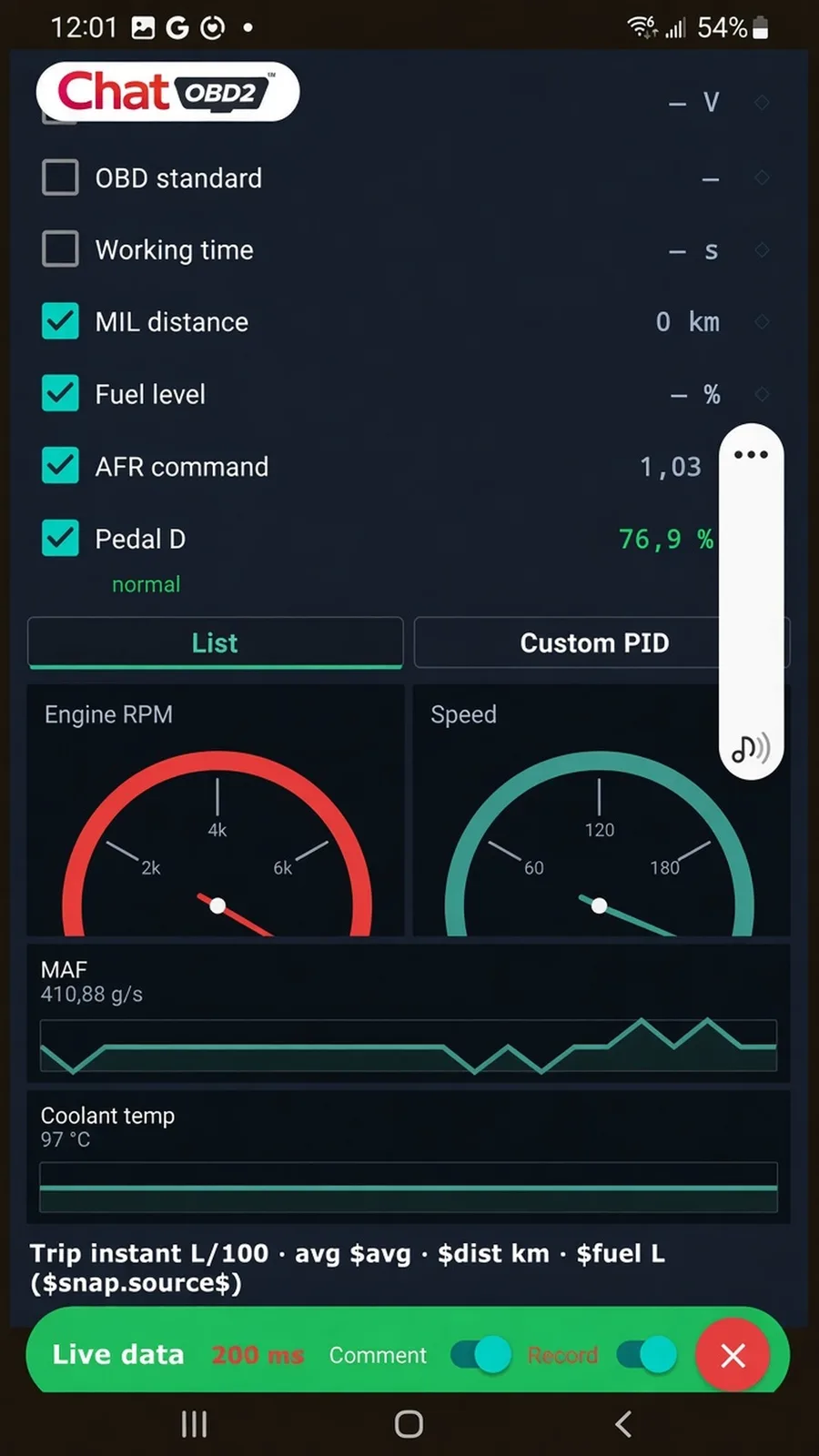
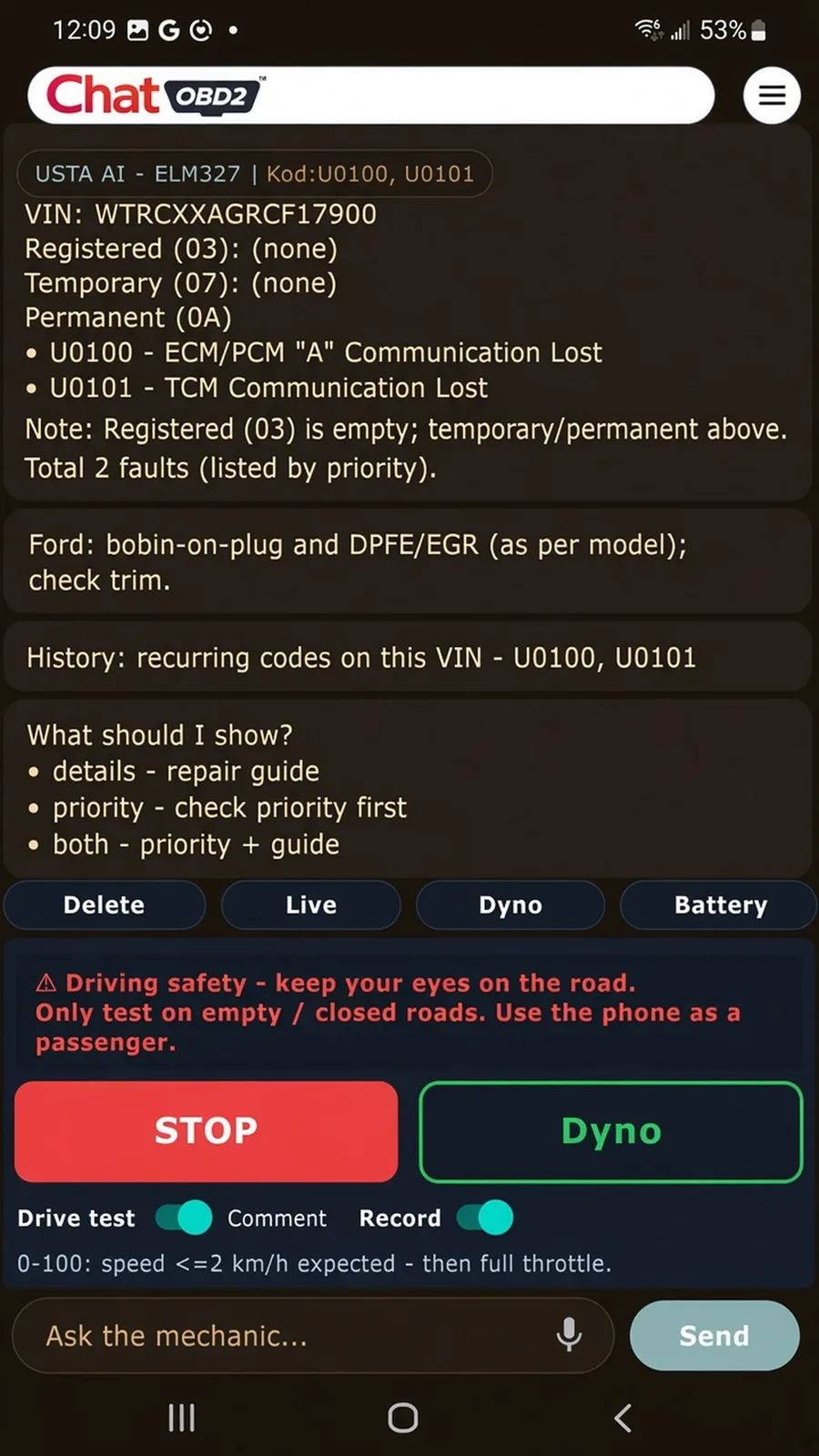
Ask in your language, connect and read. Expert AI comes with Pro, an in-app purchase.
Stored, pending and permanent DTCs with titles, plus freeze frame data when the ECU provides it.
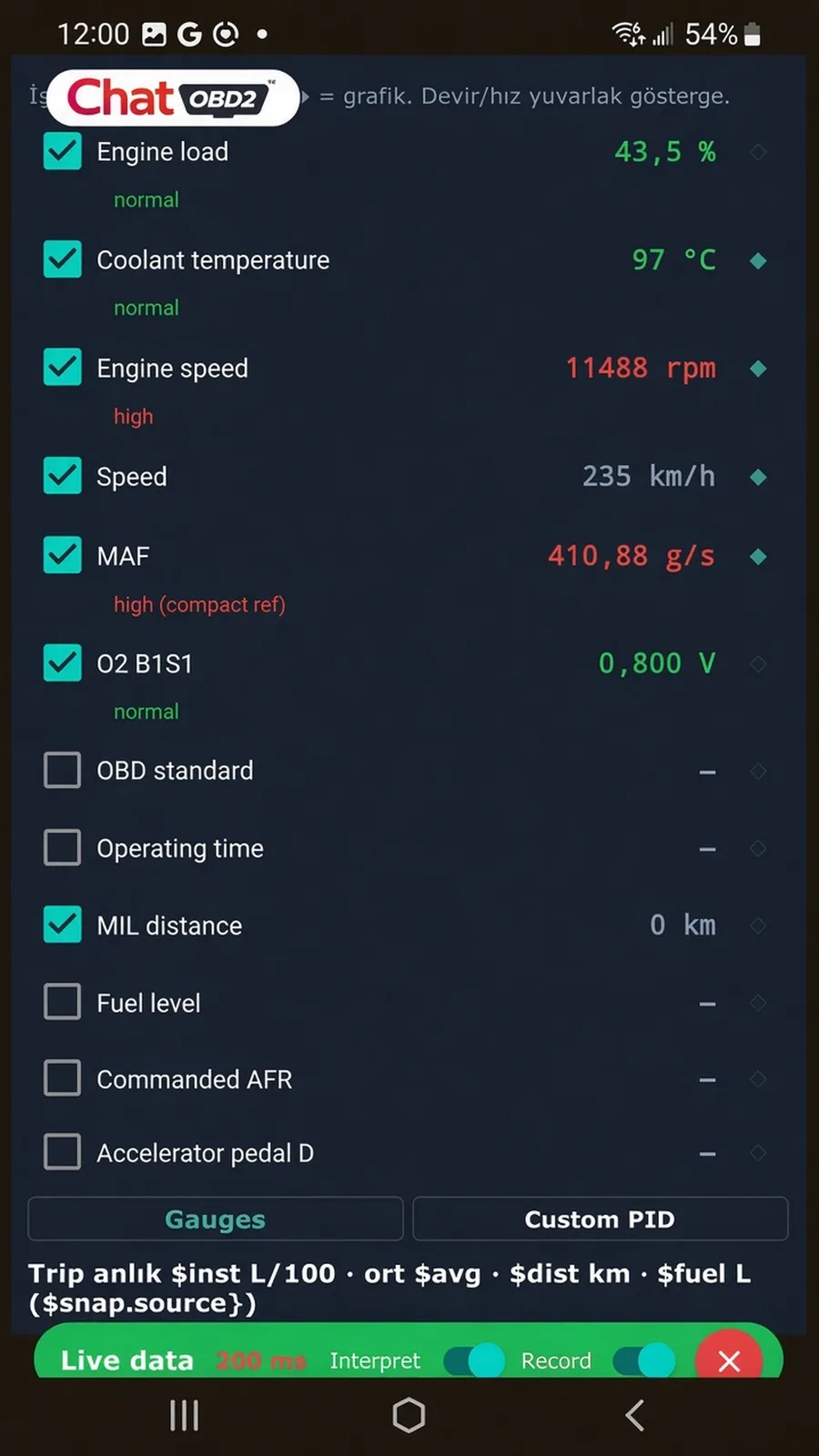
RPM, temperatures, fuel trim and other generic PIDs — as graphs and text.
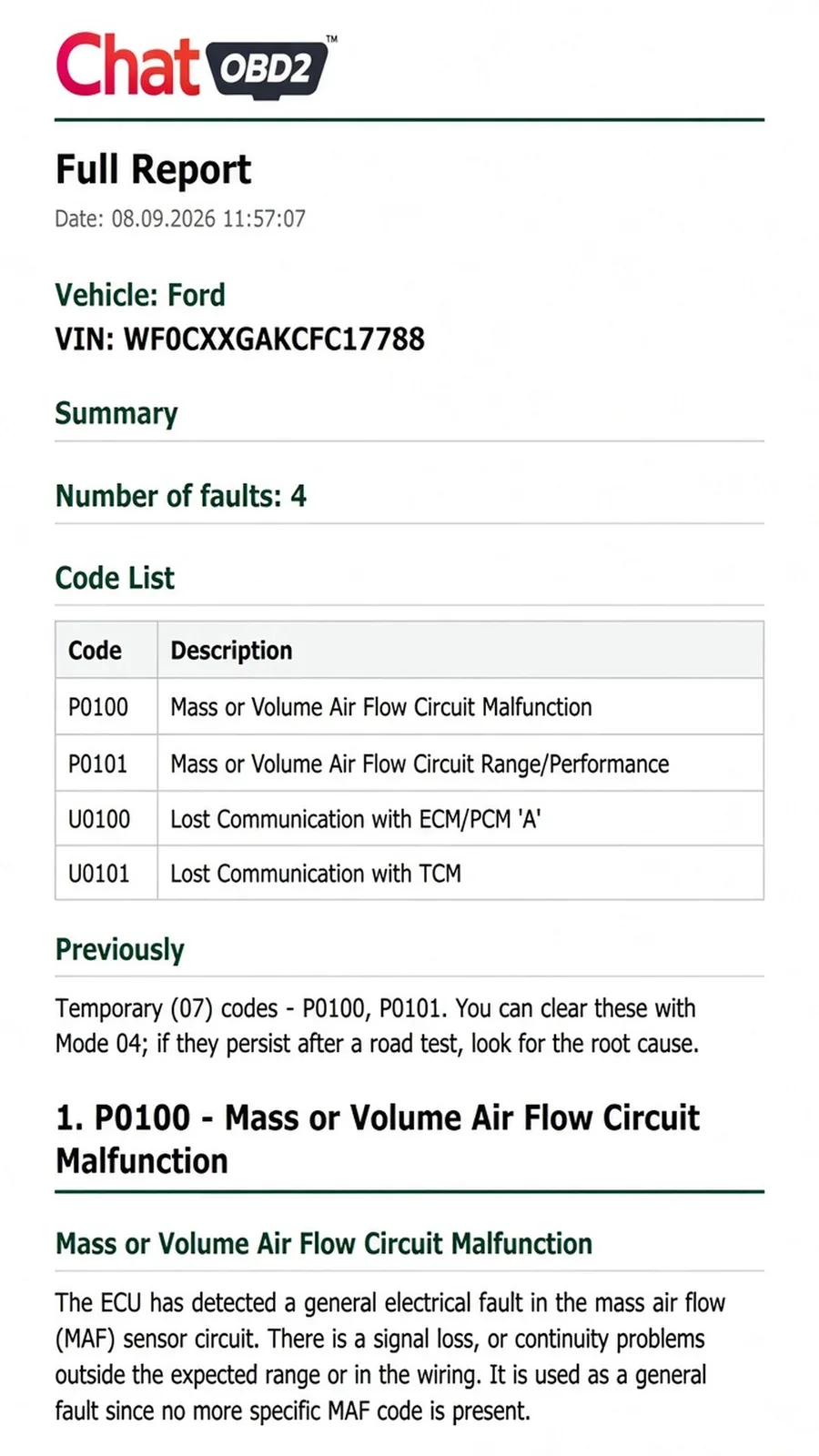
Vehicle, VIN, codes and guides in one report — open, print or share.
Localized part names under each fault code — tap to search for images.
Drive tests with CSV recording, results in chat.
Repair order and part candidates from the workshop knowledge base.
Fault codes are cleared (Mode 04) only after you confirm.
Dark, light and workshop themes, and dozens of UI languages.
Step 01
Plug a BLE, classic Bluetooth or Wi‑Fi ELM327-class adapter into the 16-pin OBD2 port.
Step 02
Open ChatOBD2, pick the adapter and wait until the session is up.
Step 03
Read codes and live data, create a full report, check parts, run 0–100 / Dyno — or ask the expert.
Works with any ELM327-class adapter, original or clone.
AppELM327OBD2ELM327-class adapters with Bluetooth Low Energy.
ELM327-class adapters that pair over classic Bluetooth.
ELM327-class adapters that run their own Wi‑Fi network.
Only get the product from its official website and official store listings.
The Android app is on Google Play. The iOS app is in development; the App Store version is coming soon.